My Feelings about AI
I have mixed feelings about AI. On the one hand, I can see the value of it in many cases; on the other hand, I can also see the harm it causes. IMHO, with the move towards Authoritarianism all across the world, this is the worst time in history for this kind of technology. I’m sure this is not an accident. Something is going on behind the scenes that I am not privy to.
I advocate against using Chatbots because of OpenAI reserving DRAM supply, harming general computing, and Microslop abusing its market position to force Co-Pilot into their products without giving customers a choice.
I’m fairly new to AI, but I understand technology enough to know what it does. I provide IT services as an independent individual, so I haven’t really needed to use it until recently, when someone suggested I use it to upgrade my site. Doing it manually was going to take a lot of time that I didn’t have. I had been thinking about trying MCP WinDBG the next time I ran into a nasty driver issue, but that hasn’t happened yet.
So I purchased the Claude Pro subscription because of the command-line tool. I’m a big CLI guy anyway, so I thought prompting from the command line is more in line with what I do. The tool performed the upgrade better than I expected, and now I have some minor issues to resolve.
But then it got me thinking about this PDF I want to convert to markdown, and I was like, “I’ll bet this tool can do that if I am precise enough with my language”.
I wanted to talk about what I found in the process of converting this PDF. It has a pretty complicated formatting structure, so I thought this was a good candidate to talk about how I did it, what I found out, and the results of that process. With my limited knowledge, I get the idea that hallucinations come from imprecise instructions.
The PDF
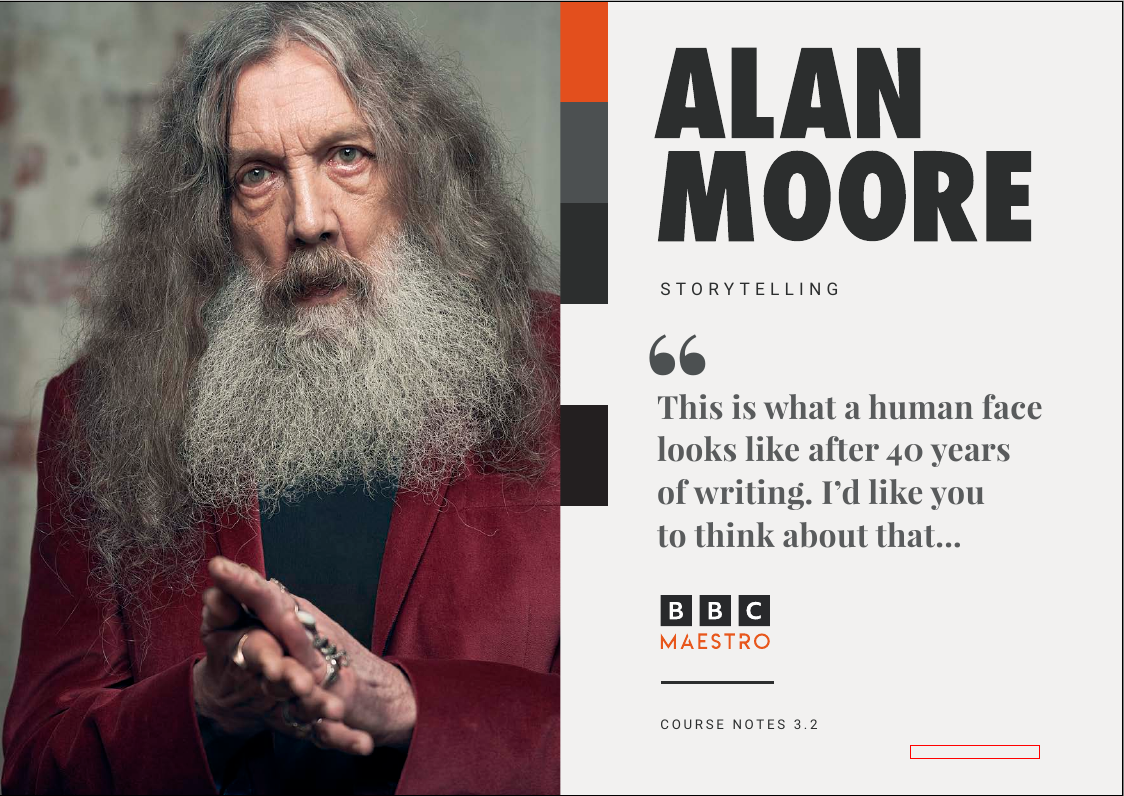
I’m taking an online writing course. I’m a big Alan Moore fan and am interested in learning some things from him. The video course is good, but I wanted some way to retain the information if I decided to end the subscription at some point. They provide a PDF that contains a pretty good written version of the course.
It’s really a nice-looking course book, but I don’t think people who are involved in designing print materials in digital form really understand that the future of digital books are formats that reflow text to fit different screen sizes.
I’m always doing manual conversions of these kinds of books when I find something that I want to read on my device. So I was excited to see what an LLM could do, and boy, was it a surprise.
The Claude Code Breakdown
After installing the CLI version of Claude, very simple by the way, I first realized it asks about folder security. Yeah, smart move. I can see how you could inadvertently damage data across the entire file system if you are not careful. So I created a custom folder on a separate drive for the conversion process.
Prompts
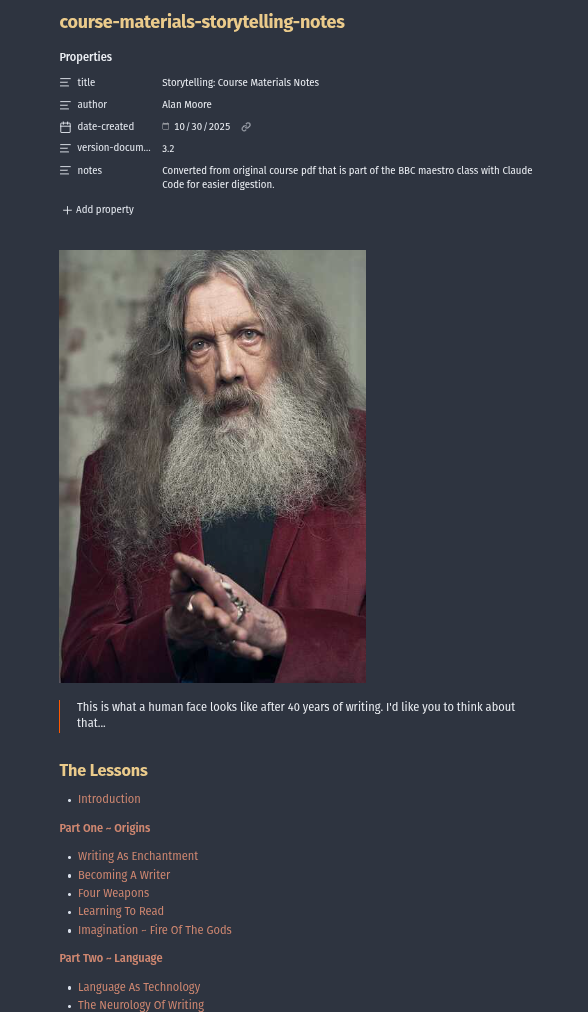
These prompts were used in Claude Code to convert a 2-column PDF with mixed text, symbolized graphics, and photos of the author into a standard Markdown file. I chose only to use the text and photos. I discarded the rest so I could easily read the document on any device after converting the MD file to EPUB. I instructed the LLM to convert the document, section by section, and wrote each section to its own file. Then, after confirming the output was correct, I used Claude to combine the markdown files into one markdown document. I added a linkable Table of Contents later, after the single document was created.
Listing styles helped me create an LLM prompt that is precise.
parse AlanMoore_Storytelling_BBCMaestro_CourseNotes-1.pdf and list styles
Saving a document of styles helped me target specific styles to convert in my prompts, which shows up later in my prompts.
save to conversion-styles-document.md
Since I use YAML in my markdown files religiously, I wanted to make sure I had the naming conventions correct for the YAML spec to reduce incorrect outputs. This section converts the title information of the course material to a YAML header.
as a yaml key/value pairs, map subtitle "STORYTELLING" to the key "title". map title "ALAN MOORE" to the key "author". map quote "this is what a human face looks like after 40 years" to key "quote". map and append "course notes 3.2" to the key title. Save as storytelling-header.md
Below are the prompts to convert each of the sections of the PDF:
convert the "lessons page" to a single column format. Create sections under the "Part..." headings as bolded text. create bulleted lists for each part, remove the page numbering from the lists, ignore the images. Save as file storytelling-toc.md
convert introduction section into single column format. convert full-bleed photo to markdown image. convert part heading to H2. convert paragraphs to markdown format and ignore footer. save to storytelling-introduction.md
This is where the styles document really came in handy. I had no idea what the photos were called in the styling:
extract full-bleed photos as same names as placeholder file names into subfolder "images".
convert all sections into single column format. convert full-bleed photos to markdown images. convert part headings to H2. convert lesson headings to H3. convert paragraphs to markdown format and ignore footers. save to file named "storytelling" and part number, convert file name spaces to hyphens, remove special characters. extract full-bleed photos as same names as placeholder file names into subfolder "images"
combine markdown files in current directory in alphabetical order into storytelling-course-notes.md
This is where Claude used HTML/Markdown anchor linking instead of strict Markdown linking. I restored from a backup that had the previous state and executed the following prompt, which cleared up the problem:
Link "The Lessons" part sections to corresponding part/lesson headings
Convert "The Lessons" part sections to internal markdown links corresponding to the parts/lessons in the document
The images were huge, so I reduced their size
reduce size of images in images folder by 50%
Somehow in the conversion process, it failed to extract the first photo in the “Introduction” section
extract full-bleed photo from pdf on page one and save into images folder
This is where I wanted the linkage to be HTML anchors instead of markdown internal links:
convert storytelling-course-notes.md into epub format. Confirm "The Lesson" links correctly link to the parts/lessons headings.
I created a log of commands that Claude used to make this happen.
Final Markdown File Output