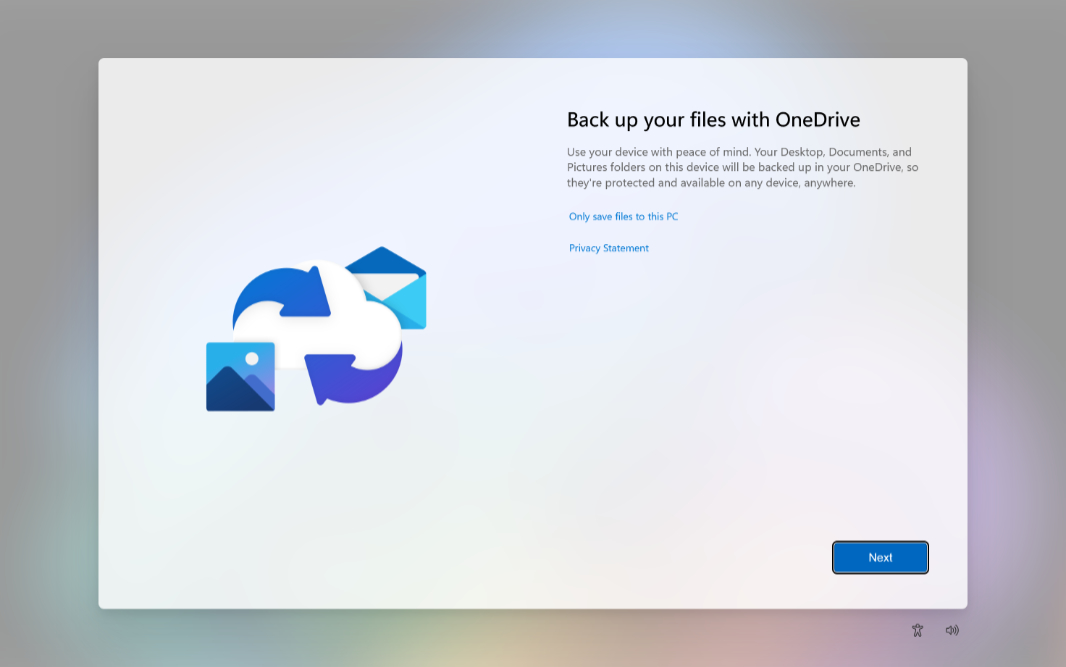
Microsoft is enabling OneDrive by default which will sync your data to the cloud, put your data in offline mode and this setup can prevent you from accessing your data if something happens with the cloud provider. Its strongly advised not to setup a new PC yourself but to have a professional set it up without this feature.

Microsoft might try to trick you into setting up one drive again with a prompt like this. If you click start, it will move your files to a OneDrive Folder on your computer and start syncing your data without your consent. If you dont want your file location changed or your data moved into the cloud, do not act on this prompt. There are also reports of Microsoft silently installing OneDrive for Office customers who have installed Office365 and performing this setup without user interaction or consent.
If you find that your PC has been setup with OneDrive, your data has been moved to the cloud and want your data returned to your computer, contact me to set up an appointment for a service to restore your data.