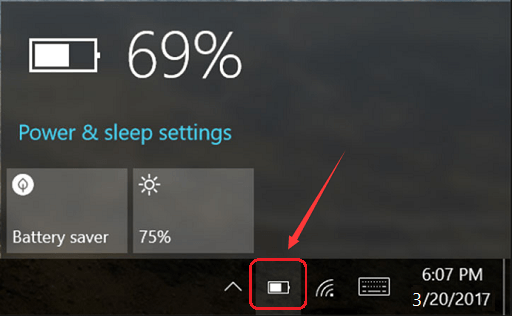
Sometimes, the battery indicator in Windows 10 stops working, fails to respond, or disappears. In this case you might need to check your battery life, until that problem gets fixed.
Check Battery level using command line
Open Windows Command Prompt and execute the following command:
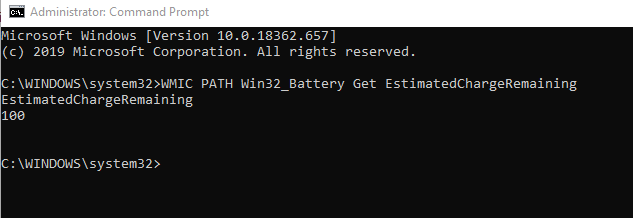
WMIC PATH Win32_Battery Get EstimatedChargeRemaining
The output for that command would look something like this:
EstimatedCharge
Remaining
You can see the estimated battery charge remaining.
In my next update I will show you a possible fix to this problem.
I’m Scott Larson. I’ve been a technology enthusiast since I was 10 years old, and today I repair computers and help people solve everyday tech challenges. I write about creative and technical projects along with occasional philosophical musings. If this article was of interest to you, sign up for my newsletter and receive notifications when new articles are published.
Looking for more content on tech, privacy and right-to-repair?